First 100 Clients Get 20% Off
View pricingEvery property photo goes through the same checklist before it's ready to publish: correct exposure, balanced color, sharp detail, clean lines. Doing that by hand across forty or fifty images from a single shoot eats up hours you don't have. Wymaro's AI photo editing tool runs that entire checklist automatically, so your images come out consistent and listing-ready without you touching a slider.
✓ 25 free listing edits · ✓ No credit card required · ✓ 100% Human QA
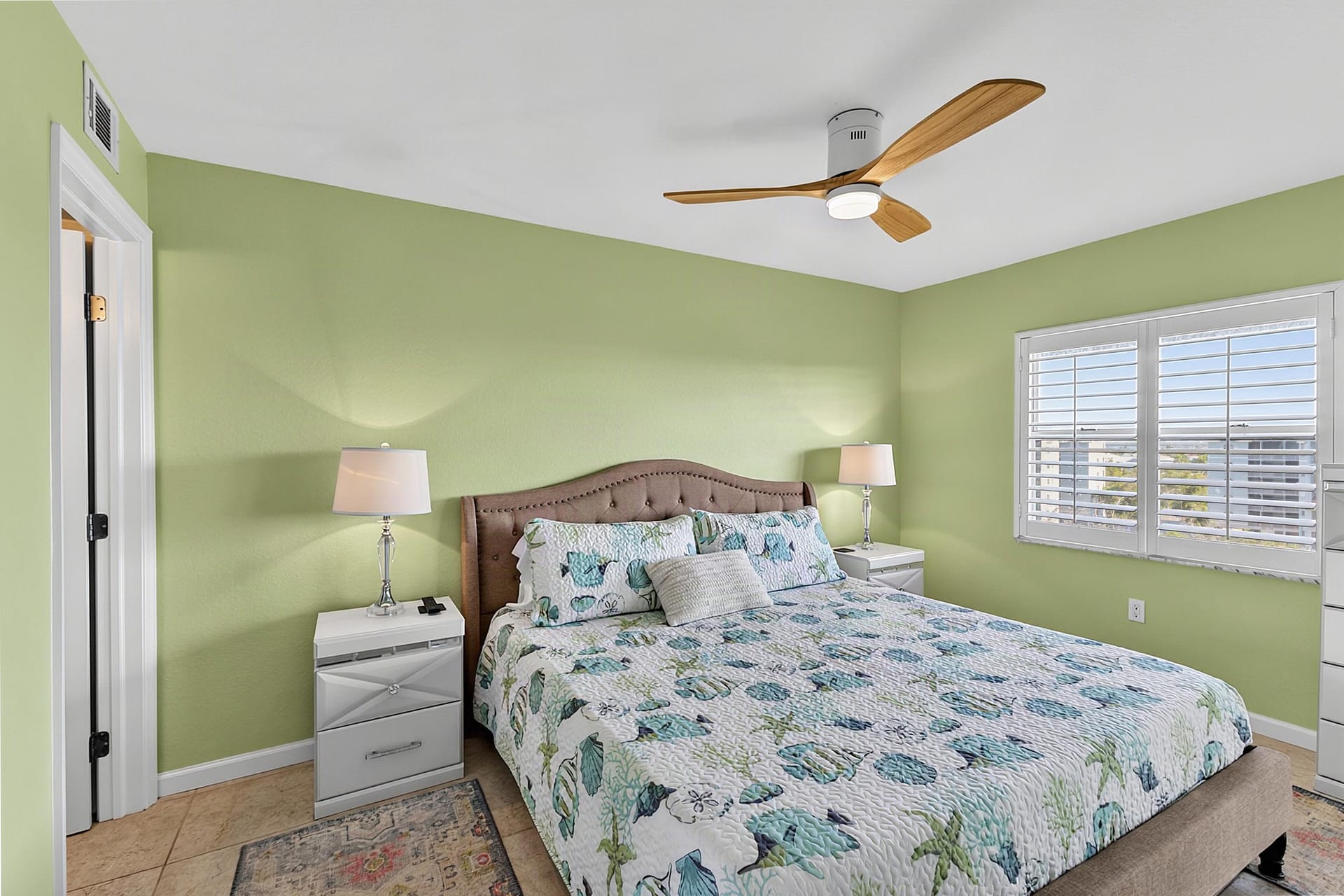
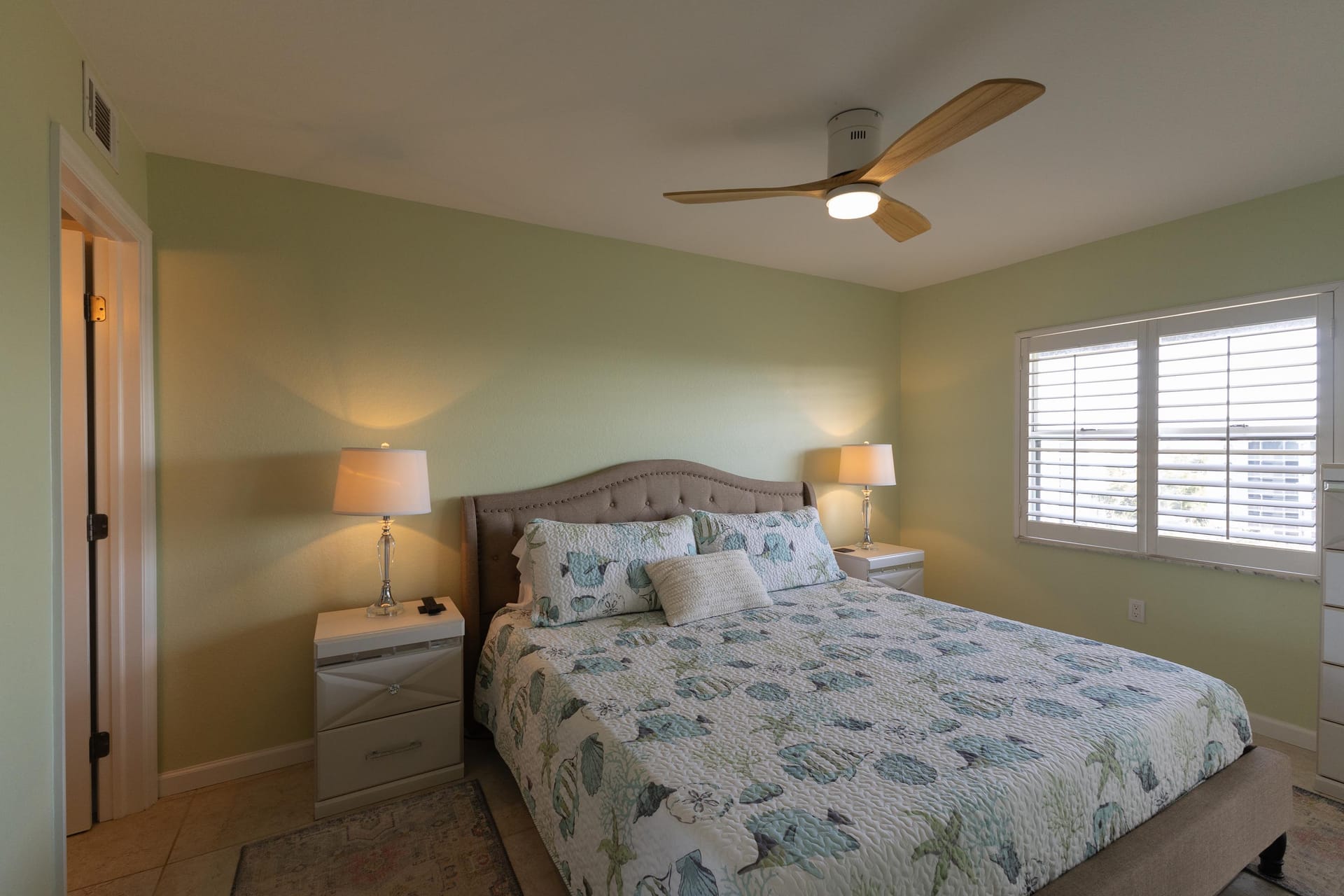
Built around the exposure, color, and consistency checklist every listing photo needs before it's ready to publish.
Optimize brightness, shadows, and contrast across interior and exterior images to create a natural, well-balanced look.
Enhance image clarity and definition while maintaining a realistic appearance without an over-processed effect.
Minimize digital noise and grain in evening and low-light photos while preserving fine details and image quality.
Apply a uniform editing style across the entire gallery, ensuring every listing photo maintains the same professional look and feel.
Upload your RAW or JPEG files straight from your camera or Lightroom. Wymaro's AI scans each image, applies the right corrections based on scene type, and runs it through a quality check before it lands in your delivery folder. A full listing folder is usually done in minutes, not hours.
RAW or JPEG files directly from camera or Lightroom.
Targeted correction models applied simultaneously.
MLS-ready export options, delivered in minutes.
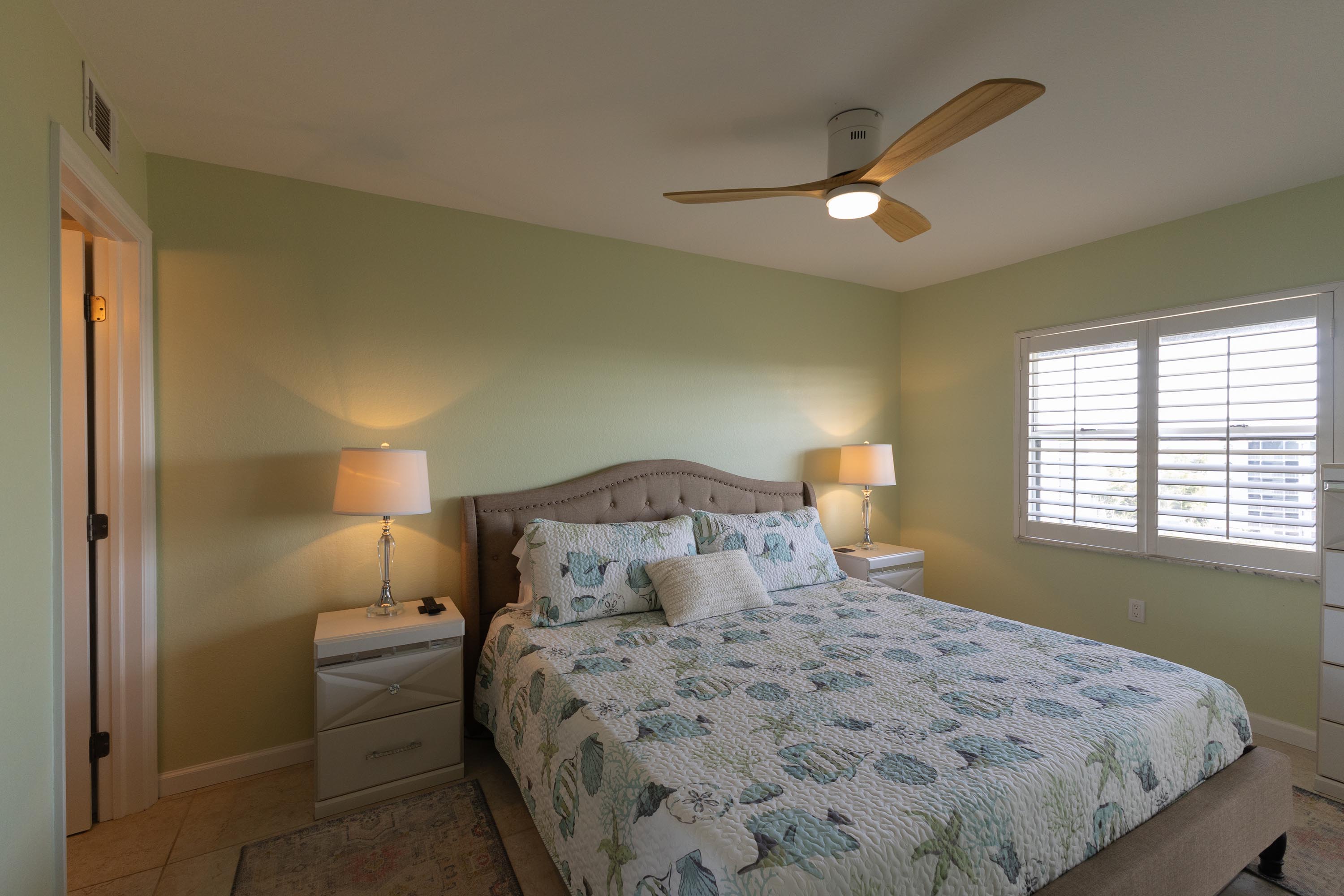
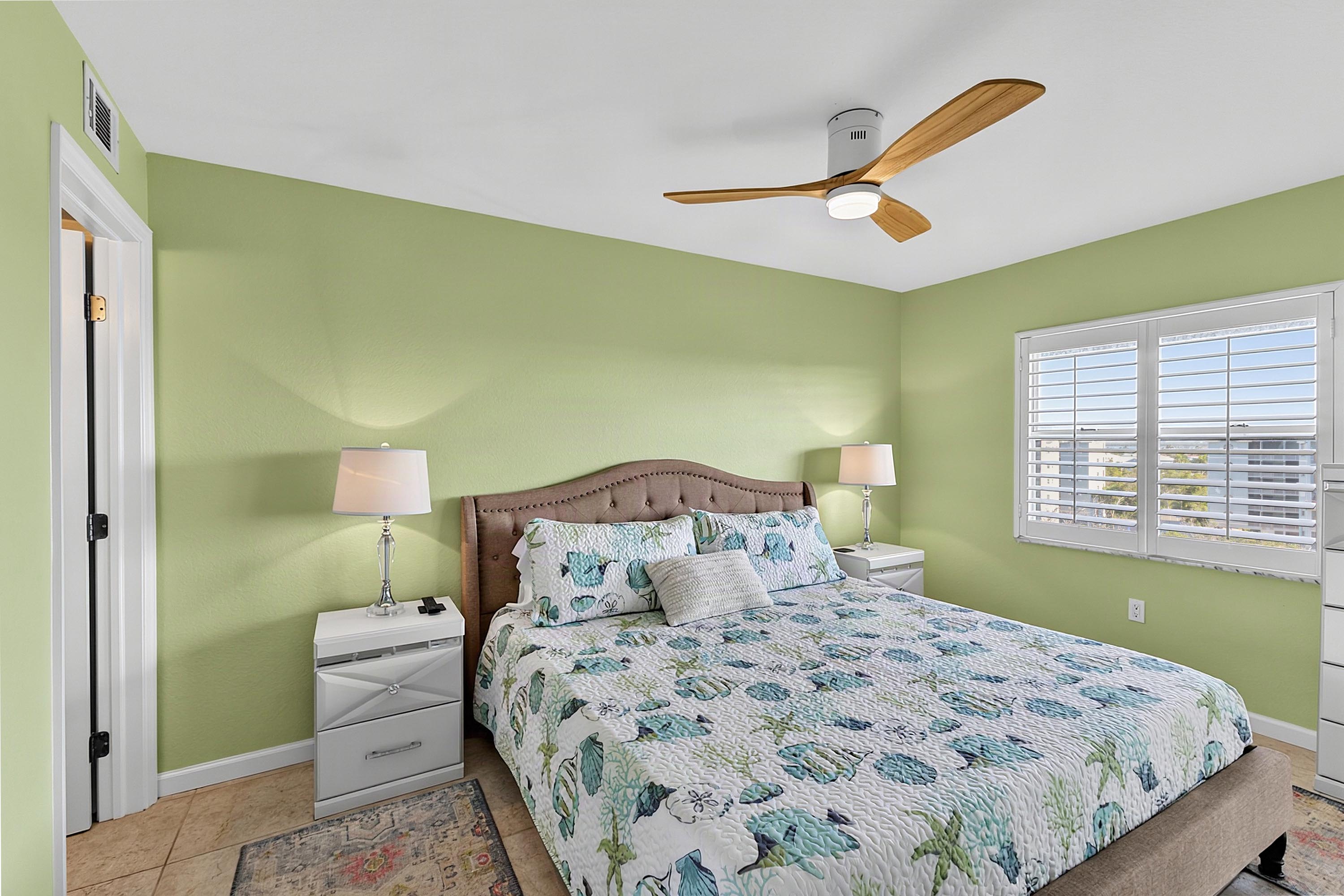
A raw camera file and a finished Wymaro edit can look like two different photos. Drag the slider below to see the kind of correction applied to a typical living room shot, from flat exposure to a bright, true-to-life result.
Browse a small sample of listings edited entirely through Wymaro's AI photo editing tool, from compact condos to larger single-family homes. Every image shown here went through the same automated process available on your account.
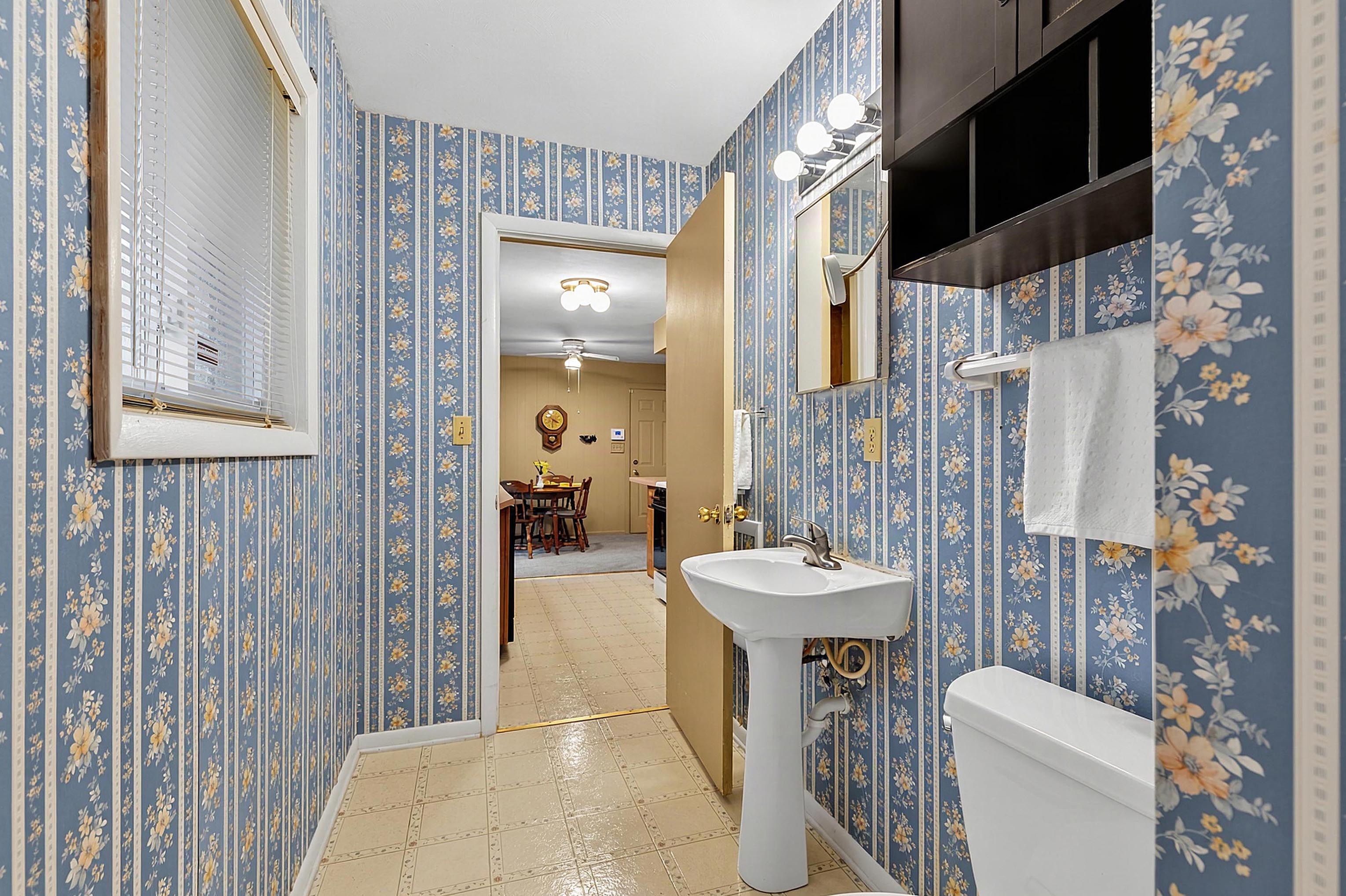
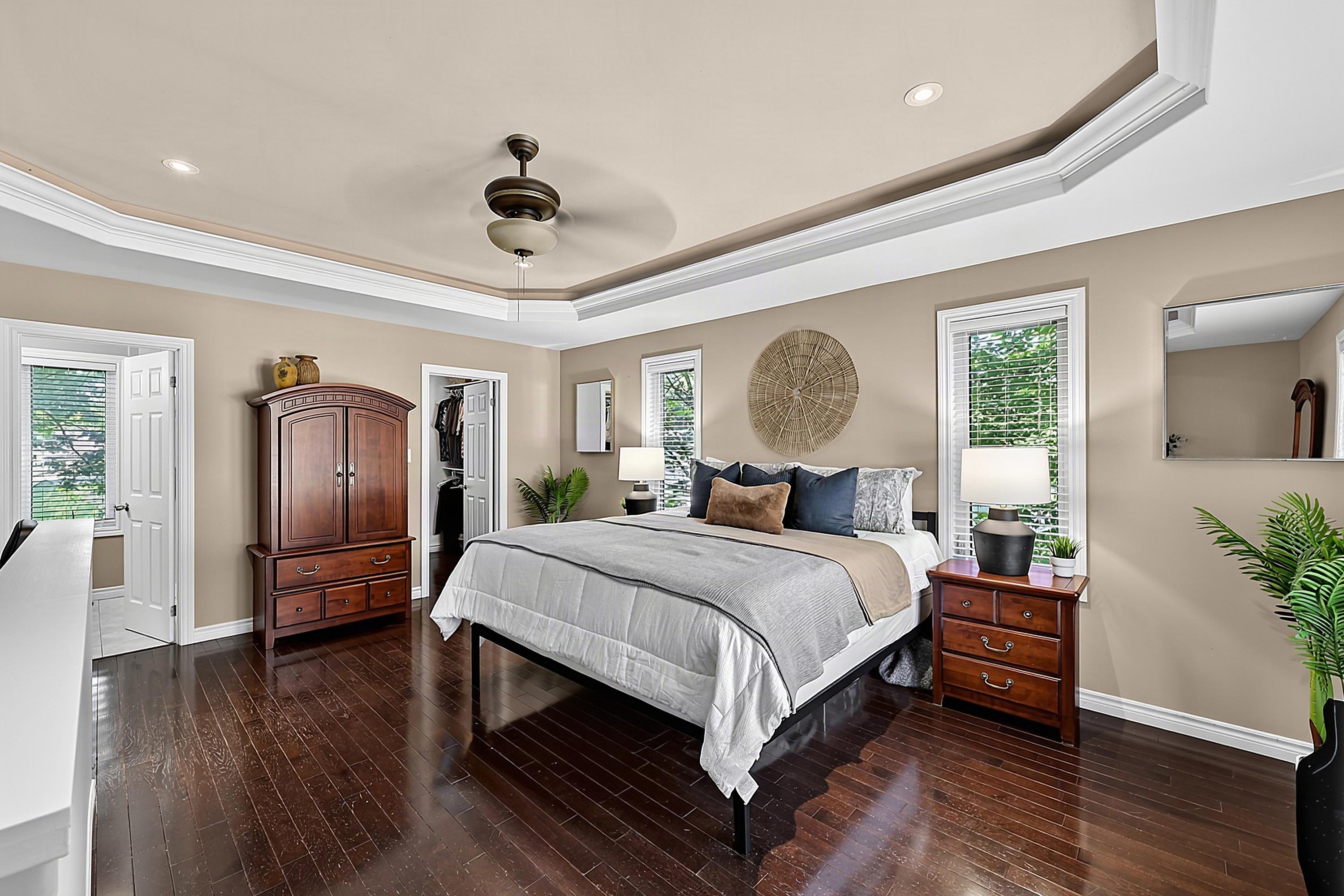
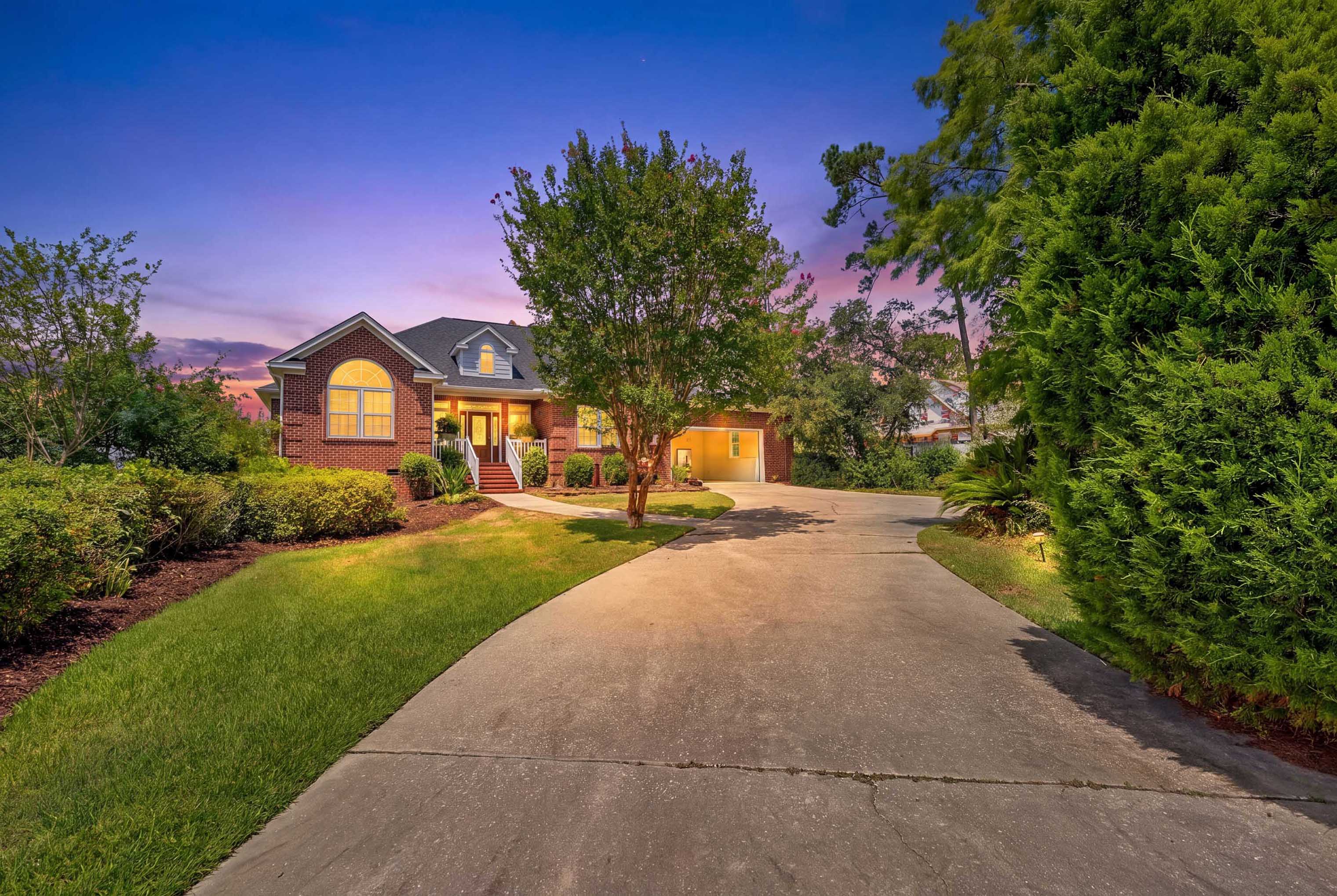
This isn't a general photo filter pointed at real estate. It's tuned for the specific problems that come up on a listing shoot, like mixed indoor lighting, blown-out windows, and inconsistent color between rooms shot at different times of day. That means fewer photos flagged for manual fixes and a gallery that looks like it came from one cohesive shoot.
Upload a whole shoot folder and get consistent, corrected images back without touching a slider.
Tuned for real estate lighting and materials, not a generic photo filter.
Every image passes a quality check before it reaches your gallery.
Everything you need to know about ordering and using AI Photo Editing.
Customers are responsible for ensuring edited images comply with applicable MLS, brokerage, and advertising rules.
Twilight images are commonly used as attention-grabbing hero images for listings, but scheduling a real one means going back out for a narrow window of usable light, often less than twenty minutes right after sunset. Wymaro's virtual twilight tool skips that trip entirely. Upload your daytime exterior and get back a warm, dusk-lit version with glowing windows and a rich sky, ready to use as your listing's hero image.
Trash cans, cars parked out front, cords, for-sale signs from the neighbor's yard — small things end up in the frame on almost every shoot. Wymaro's object remover AI clears them out automatically, so buyers are looking at the property instead of whatever happened to be sitting in the driveway that day.
Messy counters, personal belongings, cluttered living rooms, and excess furniture distract buyers from seeing a home's true potential. Wymaro's AI decluttering tool automatically clears out room clutter and restores pristine floors, counters, and architectural lines.
Upload a real listing and see how your gallery looks after AI photo editing, no commitment needed.
✓ 25 photos free · ✓ Turnaround: < 1 Hour · ✓ 100% Senior Human QA Review